1. 창 만들기
package EmoPro;

import javax.swing.JFrame;

public class App {

	public static void main(String[] args) {

		JFrame frame = new JFrame("My first Swing window");

		frame.setSize(400, 300);
		frame.setDefaultCloseOperation(JFrame.EXIT_ON_CLOSE);
		frame.setVisible(true);

	}
}

2. 창에 번호붙이기
package EmoPro;

import java.awt.Dimension;
import java.awt.FlowLayout;

import javax.swing.JButton;
import javax.swing.JFrame;
import javax.swing.JPanel;

public class SimpleCalendar {

	public static void main(String[] args) {
		JFrame frame = new JFrame("Emotion Monitoring Calendar - Week");
		frame.setSize(500, 200);
		frame.setDefaultCloseOperation(JFrame.EXIT_ON_CLOSE);

		JPanel panel = new JPanel(new FlowLayout());

		for (int day = 1; day <= 7; day++) {
			JButton dayButton = new JButton(String.valueOf(day));
			dayButton.setPreferredSize(new Dimension(50, 50));
			panel.add(dayButton);
		}

		frame.add(panel);
		frame.setVisible(true);

	}

}
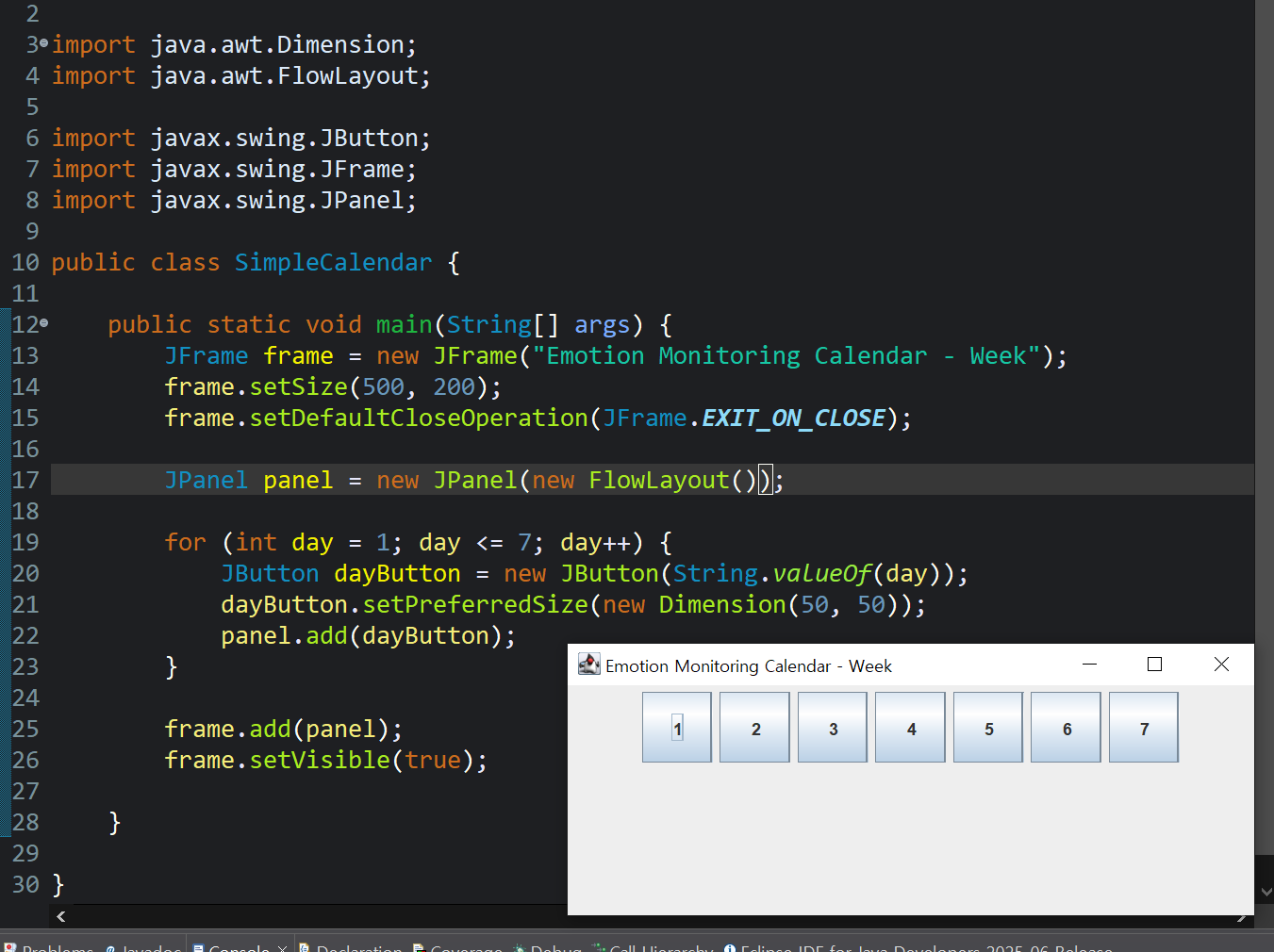
3. 버튼 기능 만들기
버튼을 눌렀을 때 기분을 색깔로 선택하고, 버튼 배경색을 바꾸기
- 버튼 클릭 이벤트를 처리 (ActionListener)
- 클릭 시 색을 선택하는 팝업창 (JColorChooser 또는 간단한 다이얼로그) 띄우기
- 선택한 색으로 해당 버튼 배경 변경
해당 기능을 위해 아래 코드를 추가해준다.
dayButton.addActionListener(e -> {
    Color chosenColor = JColorChooser.showDialog(frame, "기분 색 선택", Color.WHITE);
    if (chosenColor != null) {
        dayButton.setBackground(chosenColor);
    }
});
전체 완성본
package EmoPro;

import javax.swing.*;
import java.awt.*;
import java.awt.event.ActionListener;

public class SimpleCalendar {

    public static void main(String[] args) {
        JFrame frame = new JFrame("Emotion Monitoring Calendar - Week");
        frame.setSize(500, 200);
        frame.setDefaultCloseOperation(JFrame.EXIT_ON_CLOSE);

        JPanel panel = new JPanel(new FlowLayout());

        for (int day = 1; day <= 7; day++) {
            JButton dayButton = new JButton(String.valueOf(day));
            dayButton.setPreferredSize(new Dimension(50, 50));

            dayButton.addActionListener(e -> {
                Color chosenColor = JColorChooser.showDialog(frame, "기분 색 선택", Color.WHITE);
                if (chosenColor != null) {
                    dayButton.setBackground(chosenColor);
                }
            });

            panel.add(dayButton);
        }

        frame.add(panel);
        frame.setVisible(true);
    }
}
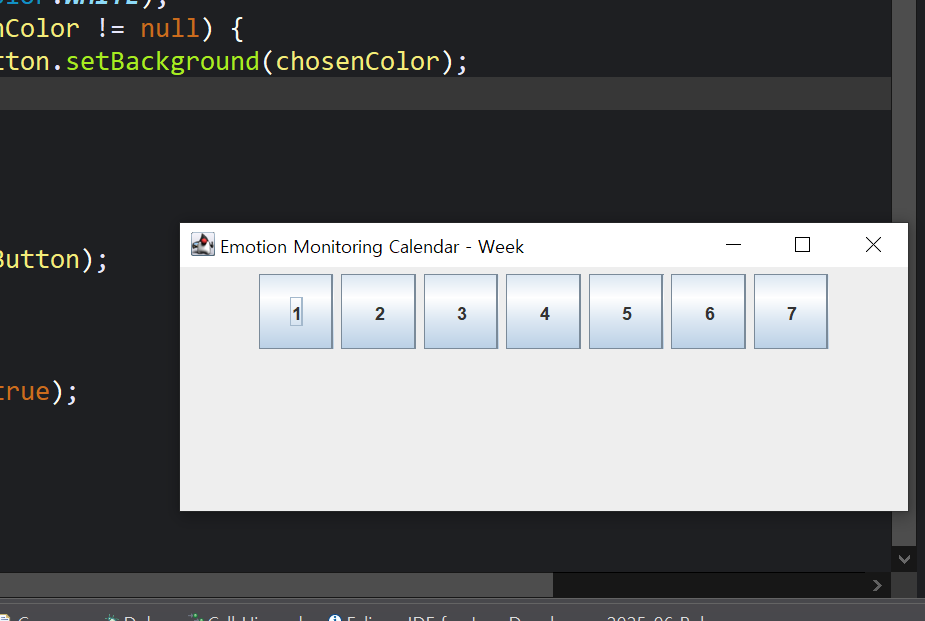
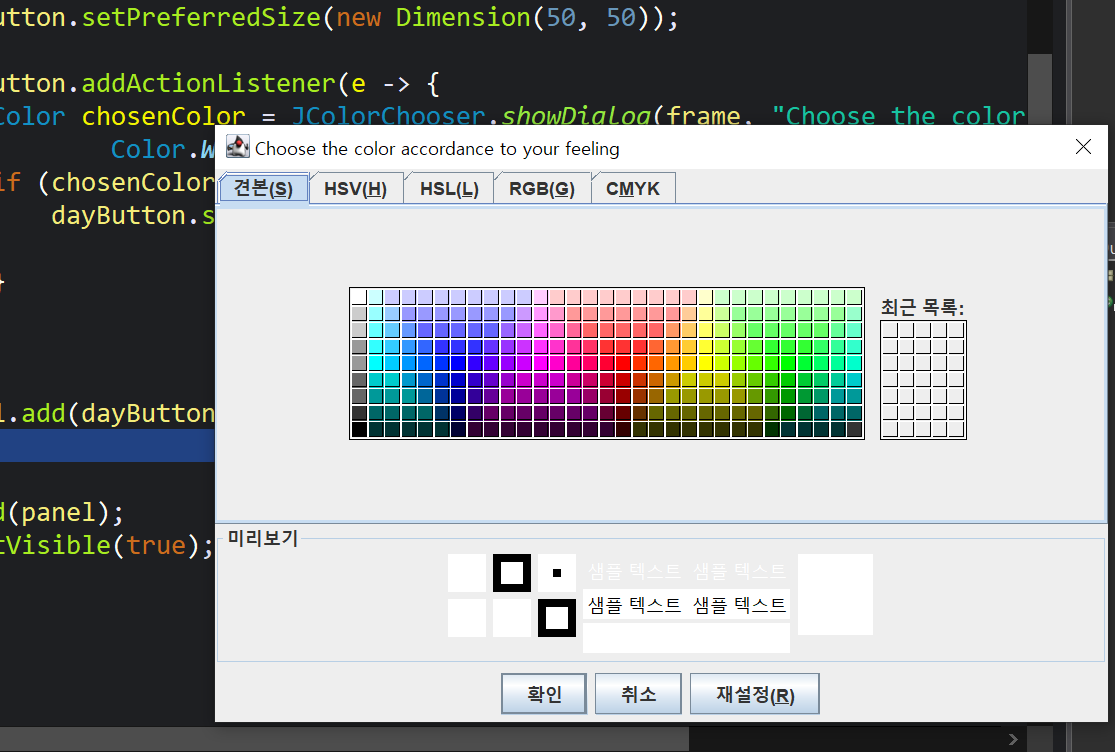
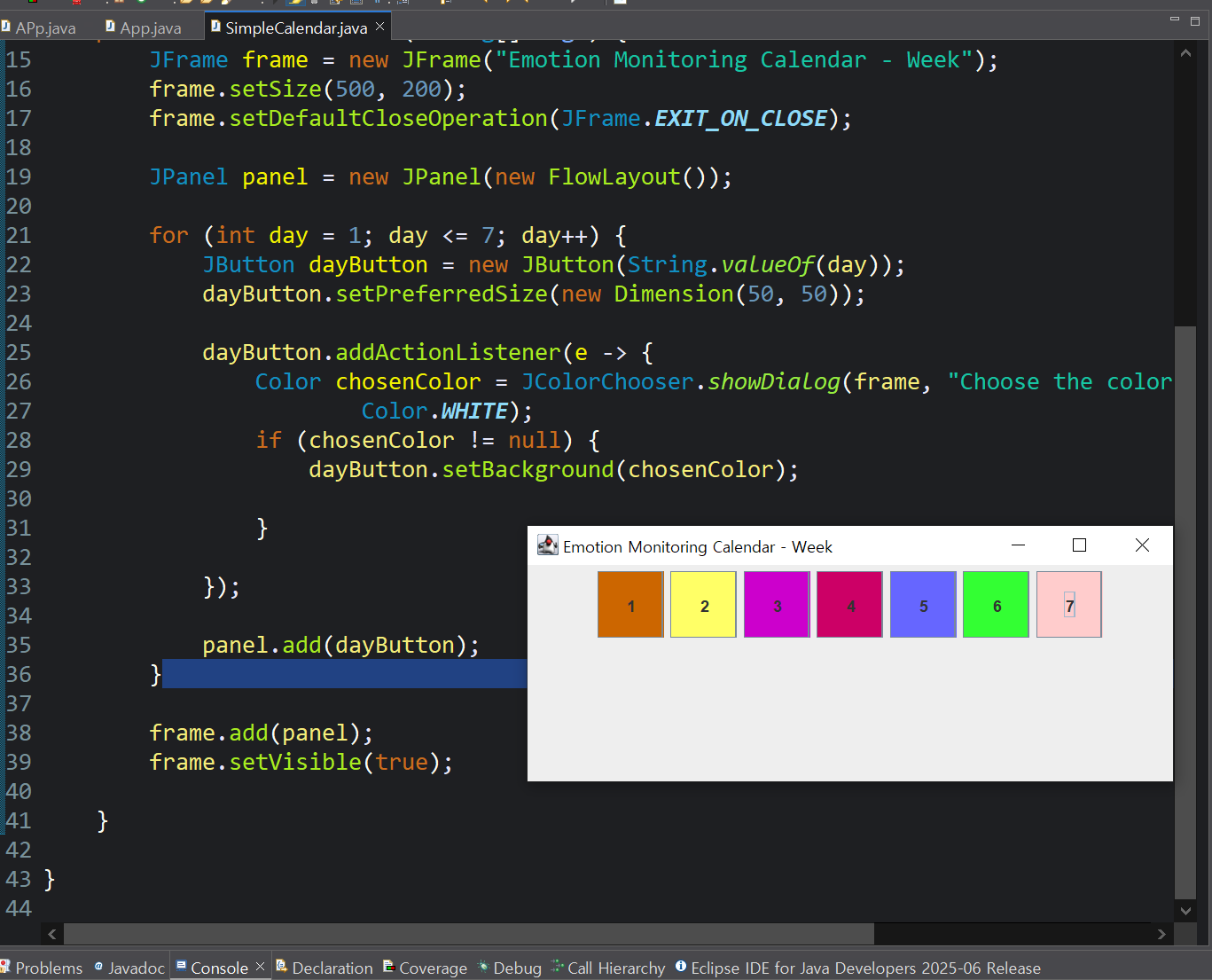
<질문>
1. 왜 'J' 가 붙는가? (JFrame, JButton, JColor, JPanel)
- J는 Java의 약자
- 원래 자바에서 GUI(Graphic User Interface)를 만들기 위해 만든 라이브러리 이름이 Swing임
- Swing이 처음 나왔을 때 기존에 있던 AWT라는GUI 라이브러리와 구분하기 위해 모든 컴포넌트 이름 앞에 J를 붙임
- Frame vs JFrame
- Button vs JButton
- 즉, J는 Java Swing 컴포넌트임을 표시하는 접두어
- 참고로 최신 UI library는 JavaFX
2. 창, 버튼, 색깔 선택창 등 모두 Swing library 출신?
- Swing은 자바에 내장된 GUI 라이브러리로, 창, 버튼, 입력창, 대화상자, 레이아웃 관리 등 데스크탑 앱에 필요한 거의 모든 UI 요소를 포함하고 있음
- 아래는 javax.swing 패키지 안의 클래스
- JFrame - 창
- JButton - 버튼
- JPanel - 여러 컴포넌트를 담는 패널
- JColorChooser- 색깔 고르는 대화상자
'콤퓨타 > 뚝딱뚝딱' 카테고리의 다른 글
| [Book Counter] 자바코드 .exe 생성 (0) | 2026.05.24 |
|---|---|
| [Book Counter] 코드작성 (0) | 2026.05.23 |
| 01. EmoPro 개요 (4) | 2025.08.11 |

